 Curator
14 September, 2026
Curator
14 September, 2026
Self-Taught Graphic Design: AI Background Removal
I don't know if you've tried AI background removal before. Let me show you what happens.
Can AI actually cut out a high-res PNG with a transparent background and no compression?
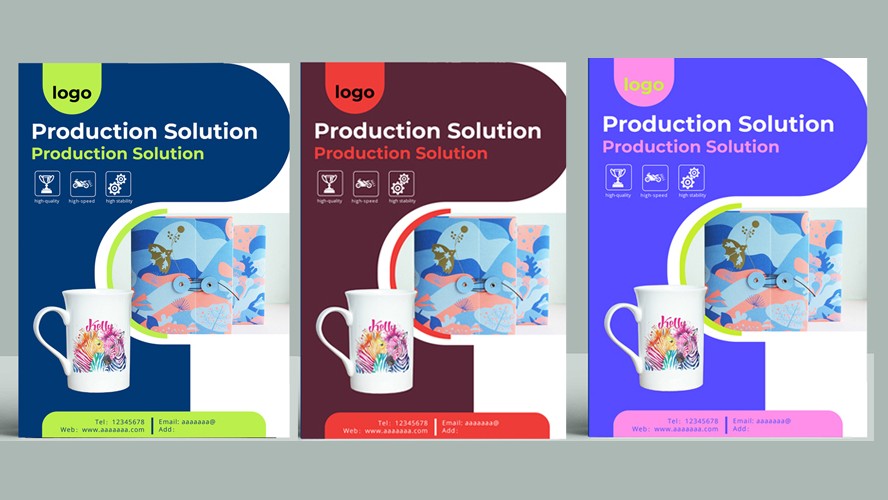
1.I asked for a PNG. This is what I got. Anyone with basic Photoshop skills can tell this background isn't transparent.

2.I asked AI to cut out the subject. The result came back compressed, soft, and blurry.
_164847_gctycjkq_171400_s9fayadx.jpg)
3.I asked AI to generate a high-res version, since the client sent a low-quality file. This part it handled well. But the rough edges came from my Magic Wand selection. For a large print-ready image, you still have to do the cutout by hand.
_164911_w3jvtfcr_171421_wk66ffgp.jpg)
4.In the end, I did the cutout manually.
_165008_dqzrv7mg.jpg)
AI Can't Replace Design Skill. Learning Design Will Always Matter.
Cutting out an image looks simple. But it demands precise judgment about detail, edge quality, and how the subject blends into its new background. AI tends to blur edges, lose fine detail, and misread complex scenes. Someone still has to clean it up by hand.
From basic cutouts and layout to creative concepts, visual taste, and understanding what a client actually needs, every step relies on real expertise and hands-on experience.
AI speeds up production. But it has no independent eye, no creative instinct, and no human feel for design thinking. So there's no reason to panic about AI replacing design jobs. If anything, this is the moment to double down on real skills. Learn your craft well, and you can use AI tools on your terms instead of the other way around.
Your real edge will always be your creativity and professional judgment. Self-taught design isn't going anywhere. In the AI era, it's more valuable than ever.
Popular