 Curator
30 July, 2026
Curator
30 July, 2026
self-taught graphic designer roadmap | Master Unique Design Skills | DesiNique
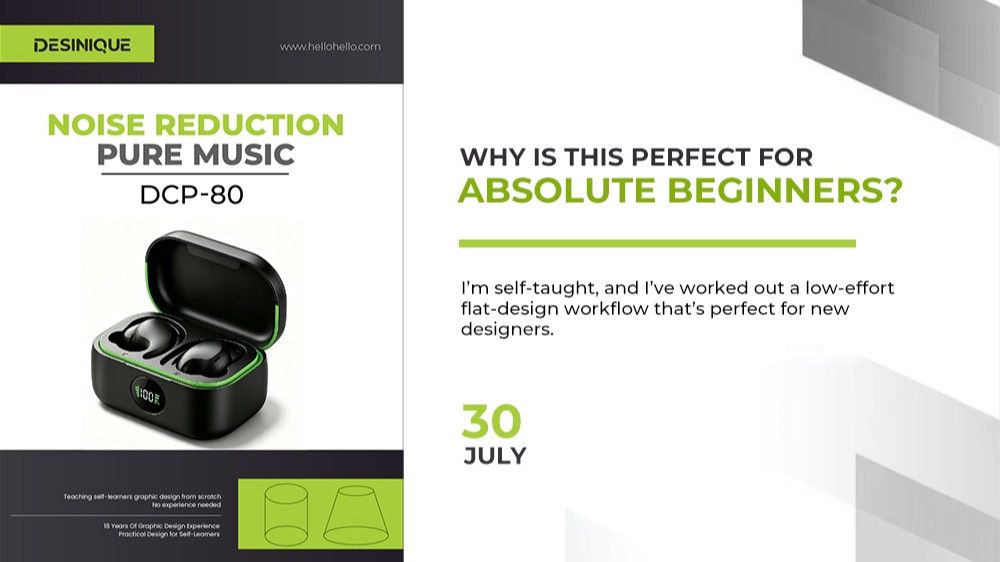
Hi everyone, I’m desinique, a self-taught graphic designer with 18 years of professional experience. Why is my approach especially ideal for absolute beginners? I’m self-taught, and I’ve worked out a low-effort flat-design workflow that’s perfect for new designers.
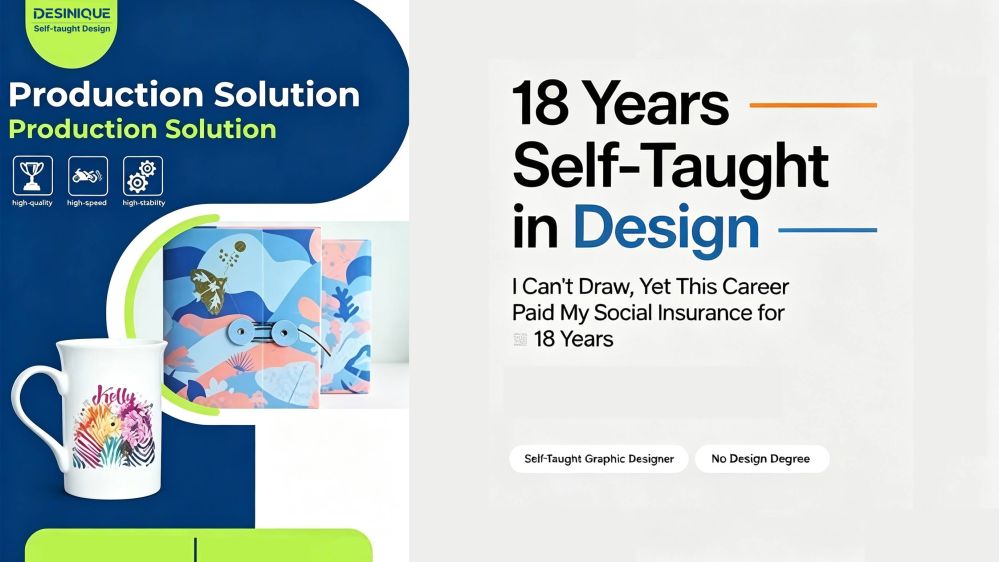
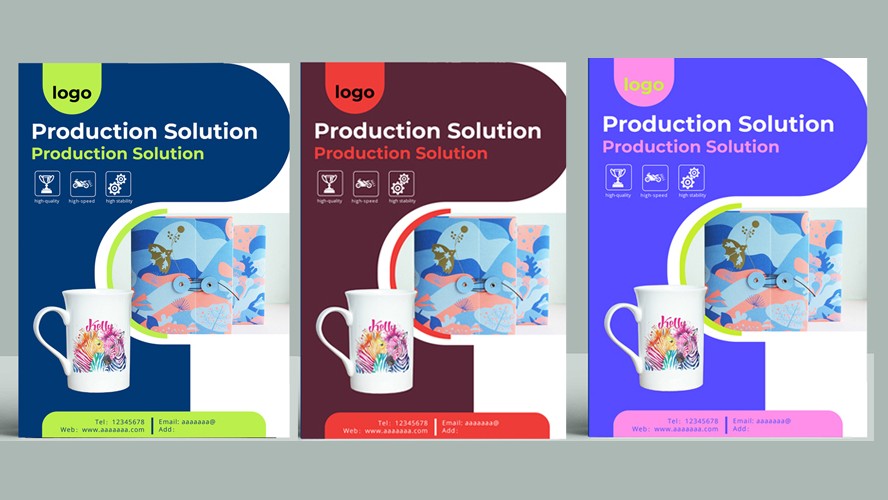
1. Color Palette Yesterday we talked about how mastering your color palette can make your work instantly stand out and add immediate visual weight to your layouts. For self-taught designers: developing a strong eye for aesthetics is essential—learn to observe and draw conclusions. Take Design Example 1, for instance. It uses a limited, restrained set of hues with strong contrast, which easily grabs attention. Well-executed color work also saves you countless rounds of revision requests from clients.
2. Details Let’s continue with Design Example 1. Details elevate work to the next tier. When thoughtful details appear throughout your composition, your design will truly shine. Most of us can draw basic shapes like circles and arrows, but how do you integrate them more cohesively and creatively? Think of it as permutations and combinations. Once you arrange those elements with a clever, unexpected twist, your design becomes compelling and effective.
3. Background A well-chosen background plays a pivotal role. Look at Design Example 2: a strong background is half the battle. There are many ways to use backgrounds—solid color backdrops, like the base layer in Example 1; or layered graphic overlays, as shown in Example 2.
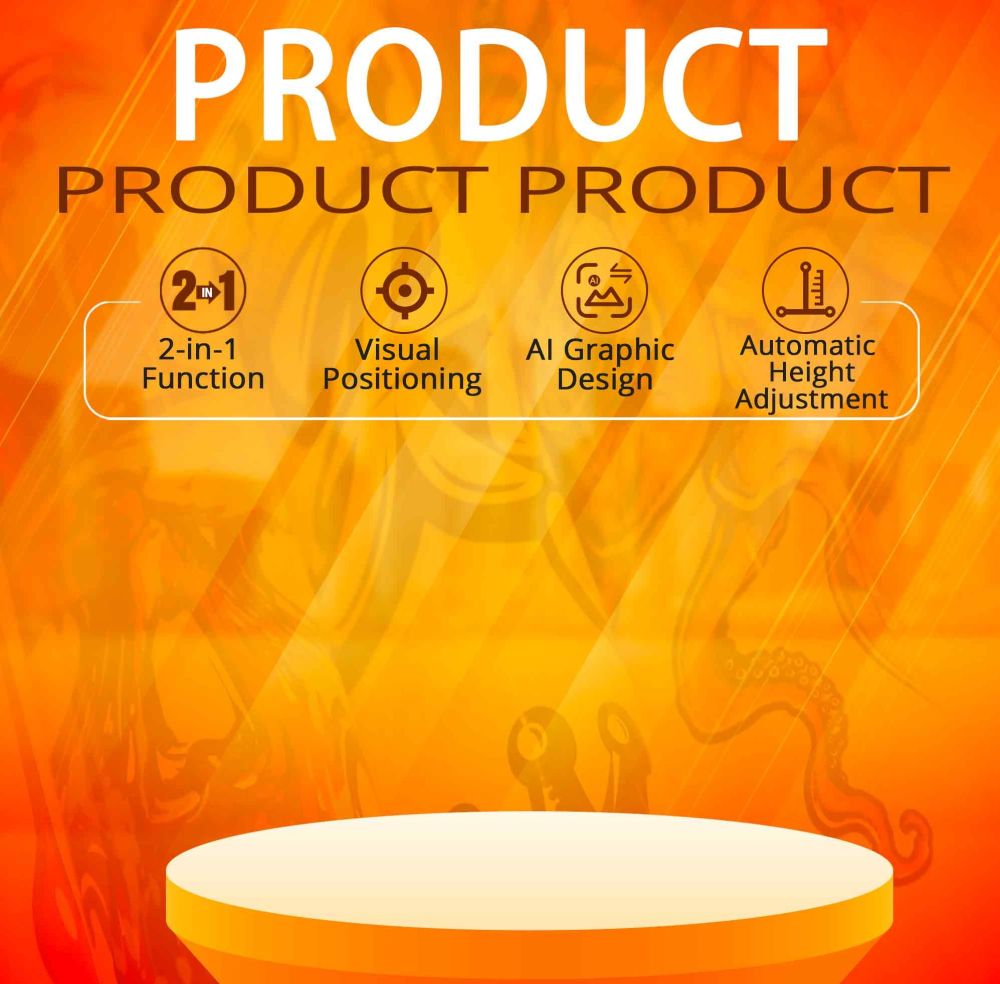
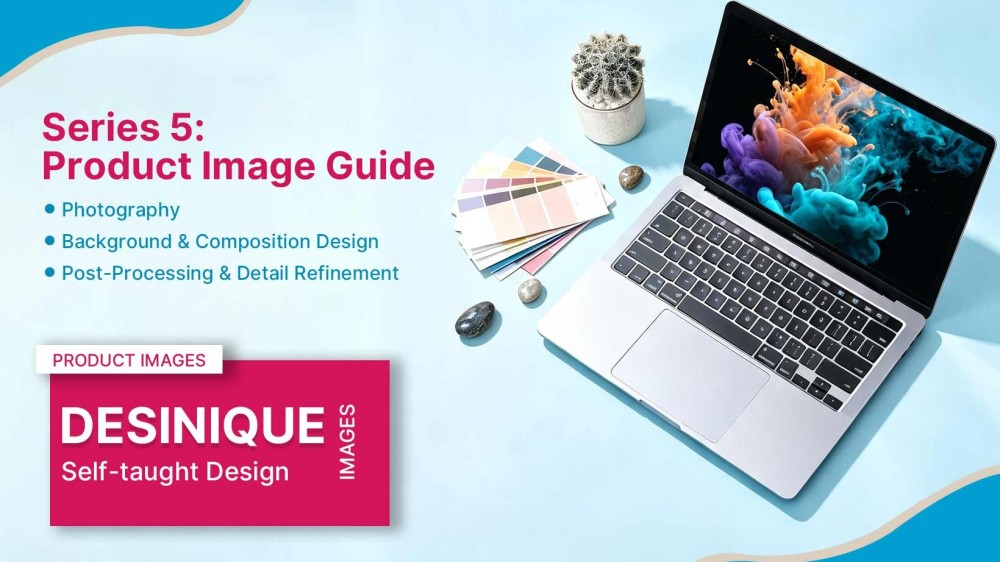
4. Product Imagery High-quality product imagery instantly raises the overall premium feel of your design. This is absolutely critical: it directly shapes customers’ first impression of the product and influences purchase intent. Your shots need to be crisp, clean and textured. Use lighting to emphasize subtle material qualities and let the product speak for itself. You can also enhance product visuals with AI tools.
Popular