 Curator
16 September, 2026
Curator
16 September, 2026
practical 1/3 method for photoshop beginners:Three Most Frequently Used Tools
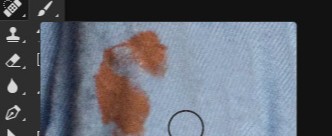
1. Quick Retouching (Remove blemishes / imperfections)
Select the Spot Healing Brush Tool (J)
Adjust the brush size, then click or paint over the blemishes.
Release your mouse, and the repair is done automatically.
2. Basic Cutout (Change background / isolate subject)
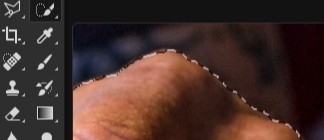
Select the Quick Selection Tool (W)
Paint over the object you want to cut out; it will get selected automatically.
Press Ctrl+J to copy the selection to a new layer. Your cutout is complete.
3. Poster & Layout Work (Add text + arrange elements)
Select the Type Tool (T) and click on the canvas to type your text.
Use the Move Tool (V) to drag and reposition the text.
Press Ctrl+T for Free Transform to scale or rotate the text.
_171844_95uvjutc.jpg)
If you're looking for fancy effects and complex synthesis, I'm not your pitch. But if you want to create practical, commercial designs using just 1/3 of the simplest tools—and build your ultimate survival skill—that's my specialty.
Popular