 Curator
23 September, 2026
Curator
23 September, 2026
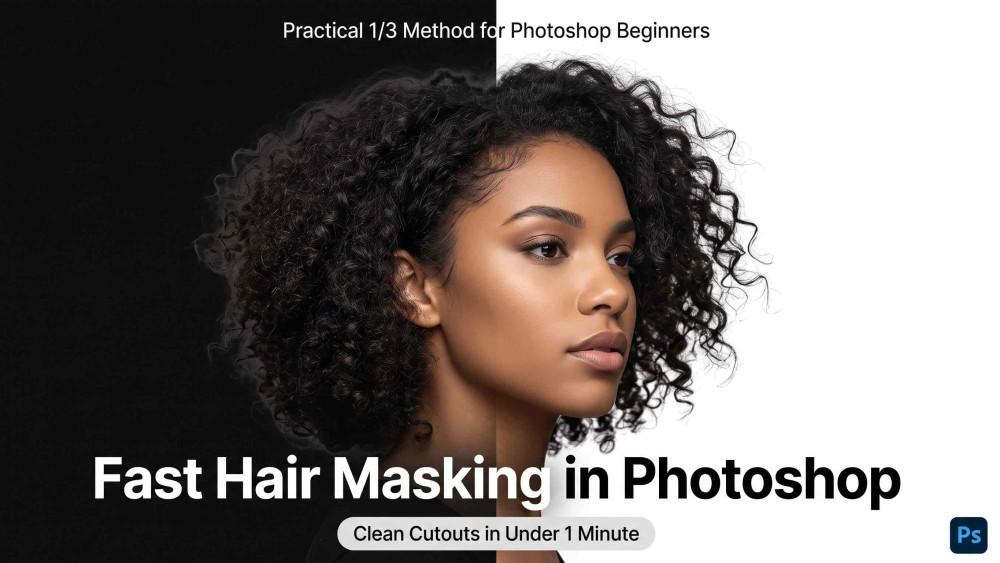
Practical 1/3 Method for Photoshop Beginners: Fast Hair Masking
Struggling with harsh edges and messy hair cutouts? The practical 1/3 method for photoshop beginners cuts through the clutter. This simple workflow helps you overcome photoshop tool anxiety and taps into essential photoshop tools for poster design, letting you create crisp, natural portraits perfect for minimalist social media graphic design.
The 3-Step Hair Masking Workflow
Step 1: Grab the Subject in One Click
Pick any selection tool from the Tools panel and click Select Subject in the Options Bar. Photoshop automatically maps the rough silhouette of your model.
Step 2: Refine the Flyaways
With the initial selection active, click Select and Mask... in the Options Bar to launch the dedicated workspace:
• Switch View Mode to On Black to see edge halos and stray details clearly.
• Select the Refine Edge Brush Tool from the left toolbar and brush along the frizzy outer hair edges. The tool automatically isolates soft, flyaway strands from the background.
Step 3: Clean Color Fringes and Export
Scroll to Output Settings in the right-hand panel:
• Check Decontaminate Colors to wipe away background color spill trapped between hair strands.
• Set the Output To dropdown menu to New Layer with Layer Mask, then click OK.
Whether tackling busy backgrounds or delicate flyaways, this streamlined technique preserves natural, airy hair volume in under a minute without tedious manual pen tracing.
Popular